





























This is what NTFS, FAT32, and exFAT actually mean — and when to use each

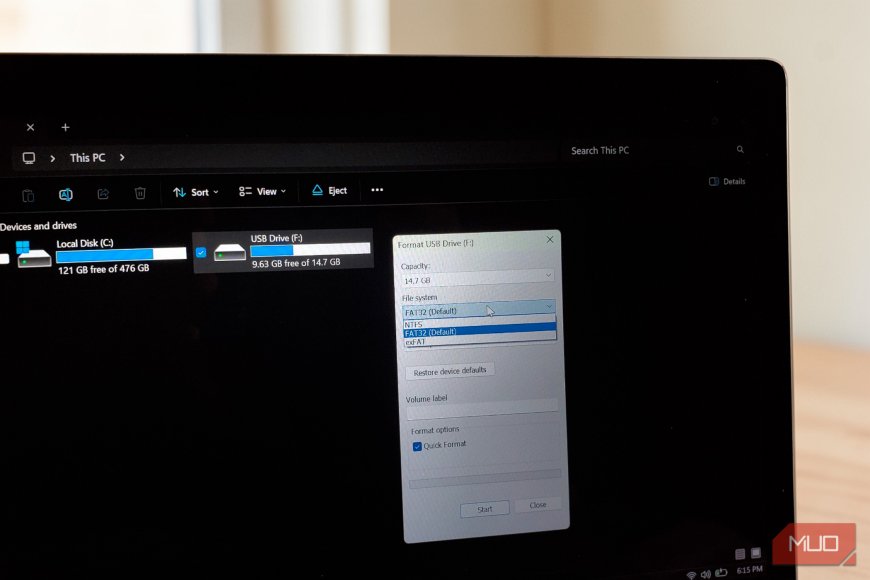
You plug in a fresh USB drive, Windows asks how you'd like to format it, and then you're staring at a dropdown menu offering three cryptic acronyms: NTFS, FAT32, and exFAT. No explanation. No guidance. Just an expectation that you already know how to format a USB drive and what each of those terms signifies for your data.
What's Your Reaction?
 Like
0
Like
0
 Dislike
0
Dislike
0
 Love
0
Love
0
 Funny
0
Funny
0
 Angry
0
Angry
0
 Sad
0
Sad
0
 Wow
0
Wow
0