



























I used Resource Monitor instead of Task Manager and finally understood what was eating my RAM

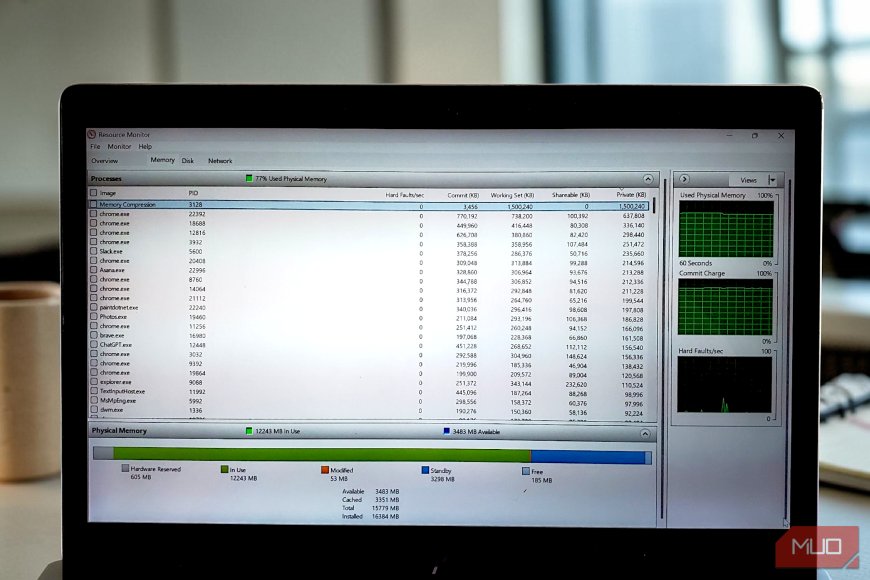
Task Manager has always been my first reflex when something feels off. If my PC slows down, I press Ctrl + Shift + Esc, glance at the Memory column, and see that the RAM usage sits at 80 or 90 percent. That’s the moment Task Manager stops being helpful. It tells you memory is high, but not whether the system is actually struggling, and what Windows is doing to cope.
What's Your Reaction?
 Like
0
Like
0
 Dislike
0
Dislike
0
 Love
0
Love
0
 Funny
0
Funny
0
 Angry
0
Angry
0
 Sad
0
Sad
0
 Wow
0
Wow
0