









































I bought this cheap $65 mechanical keyboard blind, and it ruined me for every other board I own

Sometimes you need a keyboard, and you need it now. That was where I found myself a couple months ago during local AI testing with one of the Nvidia GB10 boxes on my bench. Those systems are incredibly picky about which wired keyboards they'll work with for some reason, and moving the one known-good board I have on hand between systems under test was becoming a massive headache.
After one too many inconvenient keyboard swaps, I had had enough. I wanted a compact Bluetooth board that I could dedicate to my workbench, and I wanted it now. Testing on that GB10 system couldn’t wait, and I didn't want to get stuck in analysis paralysis. So I hopped on Amazon, filtered my choices down to items with same-day delivery, and found the Epomaker x Aula F75 Pro for just $65. 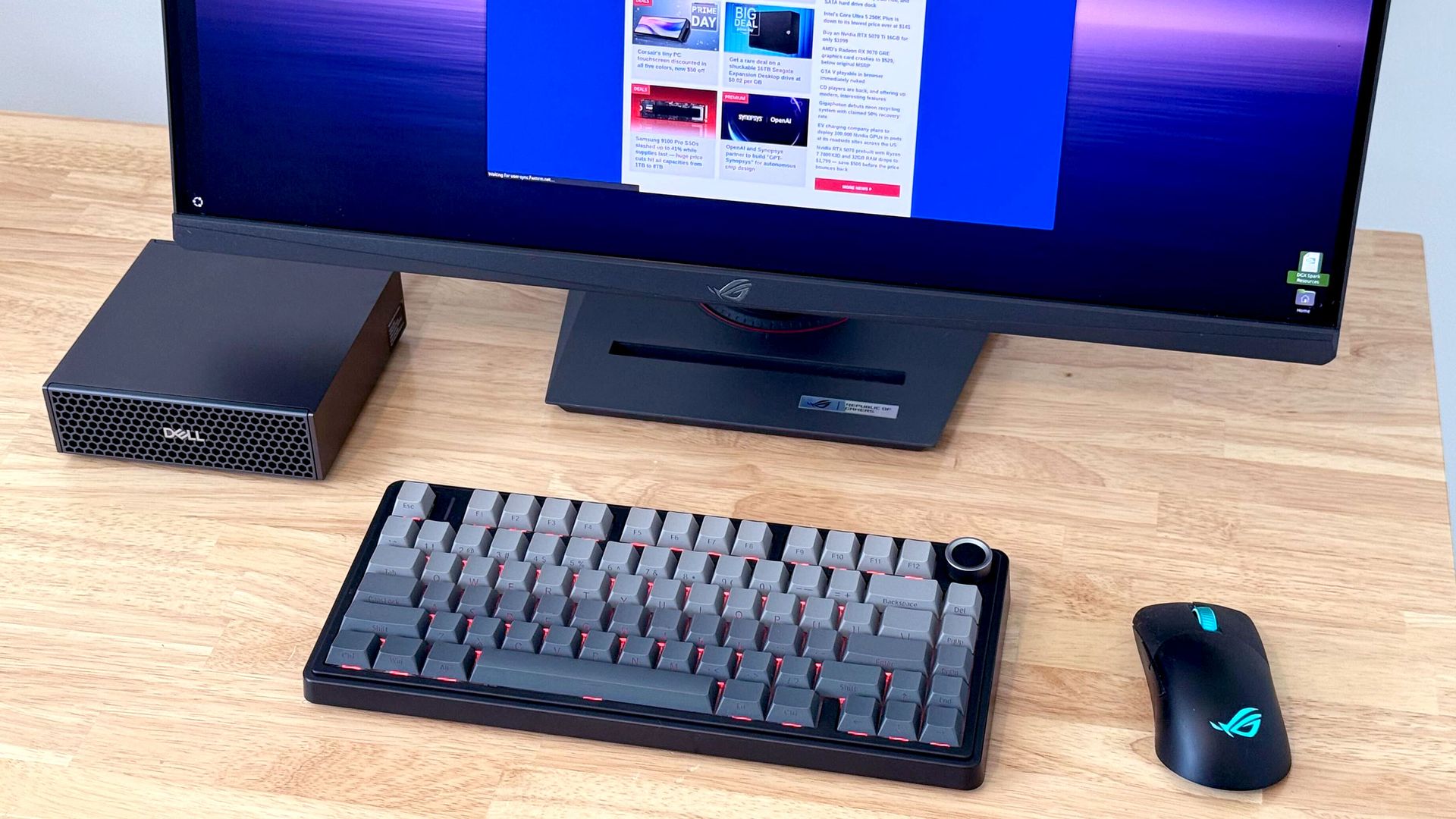
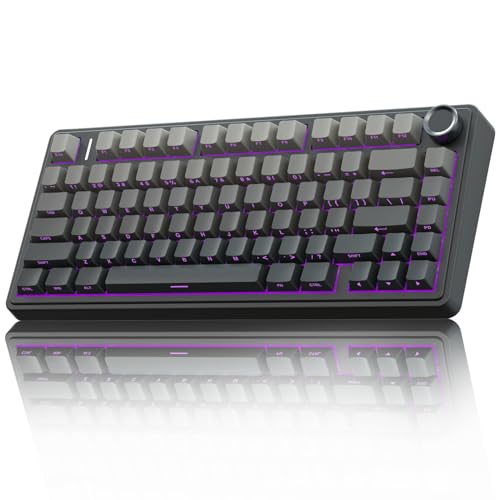
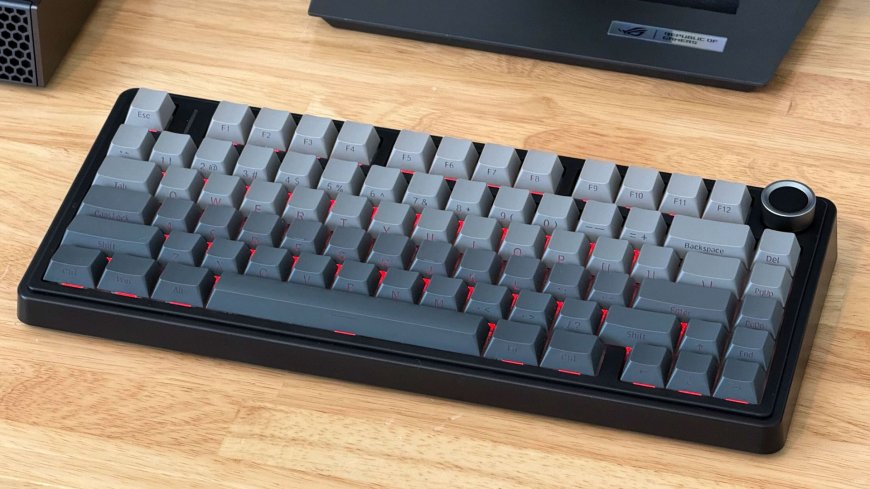
The Aula F75 Pro keyboard is feature packed with Leobog Reaper switches, dual-tone PBT keycaps, a volume knob, and wired, 2.4 GHz, and Bluetooth connectivity, among other features.
I was suspicious of this board at first, given the lack of in-depth independent reviews online and its unfamiliar switches. It uses Epomaker’s Leobog Reaper switches, which didn't map directly to any of the standard Cherry MX switches or their knockoffs that I'm used to.
But according to the spec sheet, they were linear and didn't have an incredibly heavy actuation force, which is the most important spec I look for in a keyboard when protecting my RSI-ravaged wrists. And they claimed to come pre-lubed, which is an upgrade I’ve never performed myself on any of my prior boards. So we were off to a good start.
The rest of the F75 Pro's feature list suggested custom keyboard DNA in its lineage. Spiffy dual-tone PBT keycaps with side legends? Check. A stack of noise-shaping and noise-reducing materials inside, including a cotton layer and a hefty silicone foundation? Check. A dedicated volume knob that doubles as a mute button? You got it.
Throw in wired, 2.4GHz wireless, and Bluetooth connectivity (with multiple Bluetooth pairing profiles), along with customizable RGB LED backlighting, and I was sold. And for such a low price, plus a few bucks extra for same-day delivery, I was willing to risk it if some aspect of this board wasn’t quite up to snuff.
A couple hours later, my Amazon delivery driver dutifully dropped the F75 Pro at my doorstep. And after a few minutes with the printed shortcut guide so I could pair it over Bluetooth, I had it connected to my GB10 box and was typing away in a terminal.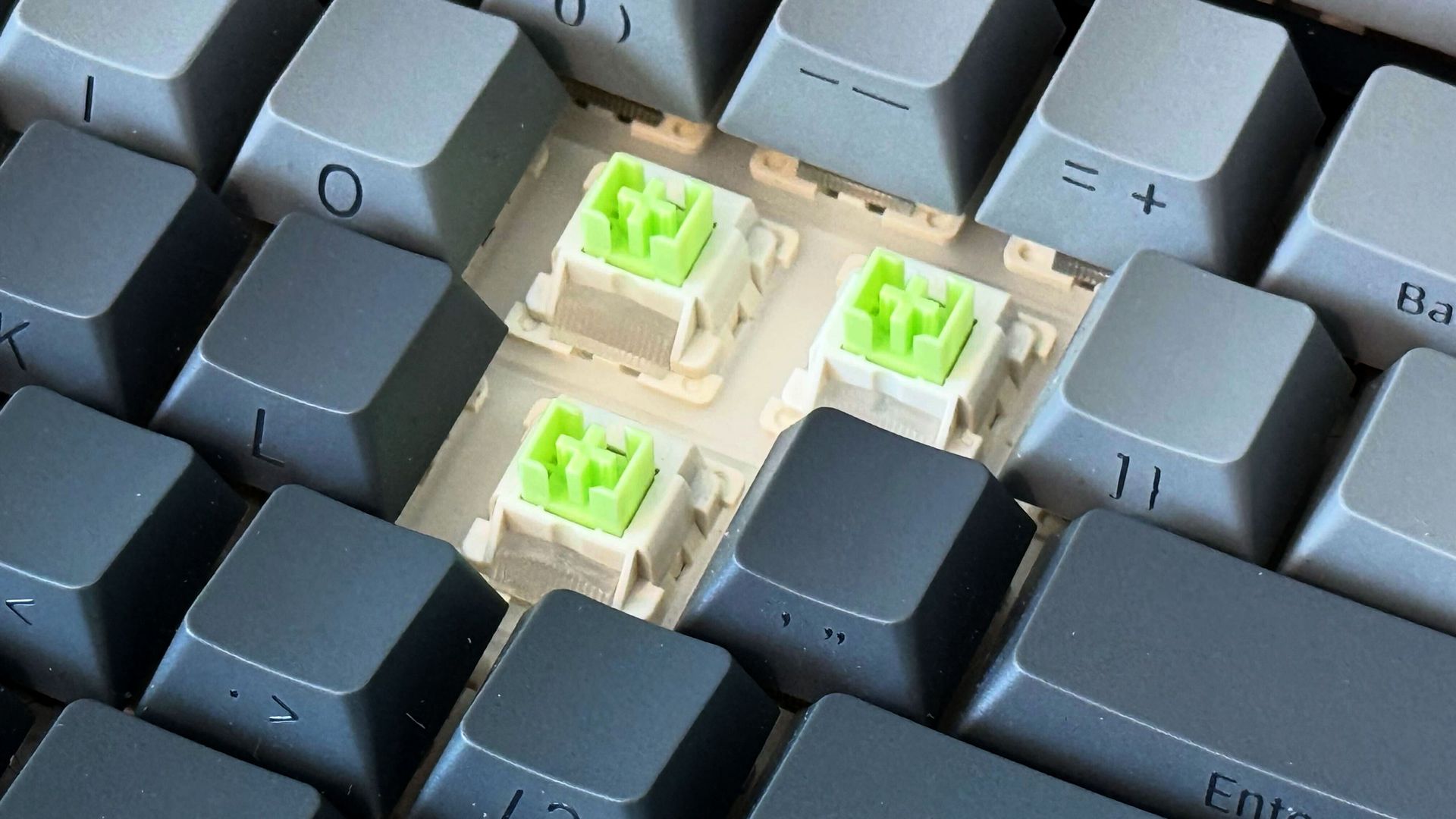
Despite this board’s low price, the Leobog Reaper switches underneath its keys are honestly the nicest I’ve ever felt. They’ve ruined me for every other board with MX-style switches I have. Whether it’s down to their pre-lubed treatment or inherent construction quality, they don’t have the tiniest bit of wobble or grit in their strokes like the red switch clones in many of my other mechanical keyboards.
The Reapers have a light 36gf initial force, a 45g actuation force and a 55gf bottom-out force, so they don’t place undue stress on my hands and wrists, and they have a nice, high-pitched audible “thock” at the bottom of their range that serves as pleasant reassurance for a successful keypress without rising to the level of a deafening click like blue-type switches might. The five-layer acoustic dampening stack within this board makes it the nicest-sounding one I own, too. And if I ever get tired of these particular switches, the Aula F75 has hot-swap support for easy modding.
I feel like I’m more accurate with these switches than I am with other boards in my office, and at 107 wpm with 99% accuracy on the MonkeyType test, I’m slightly faster than average on this board, too.
For all the thoughtful stuff that might be happening inside the F75 Pro's chassis, the outer plastic shell does feel a bit cut-rate. If you want the pleasure of knowing your board is clad in milled aluminum, carved stone, or some other exotic solid, this board doesn’t offer that satisfaction. But you're not touching the shell as you type. You're touching (and listening to) the keys. And I can attest that the tactile and auditory experience of typing on this board is far, far better than you would expect given its low price.
I also appreciate that most of the Aula F75’s functionality is available without installing any extra software. Although a utility is available, I’ve never felt the need to install it. I do have to refer to the included cheat card to figure out certain Fn combos, though, so don’t throw yours away if you get an F75 Pro of your own.
I do wish this board’s 75% layout dropped the volume knob for a dedicated Home key, but I can live with its existence on a Fn layer given the rest of this board’s virtues. And again, this board sells for $65 (and possibly even less during the current Prime Big Deal Days event). Given the hundreds of bucks that boards from big brands usually go for, I’ll enjoy what I hope is a long-lived and premium typing experience and keep the extra cash in my pocket.
What's Your Reaction?
 Like
0
Like
0
 Dislike
0
Dislike
0
 Love
0
Love
0
 Funny
0
Funny
0
 Angry
0
Angry
0
 Sad
0
Sad
0
 Wow
0
Wow
0